Help for show day, and the days before it.
The full manual, network notes for venue IT, and how to reach us.
Avocadic Time Help.
The full manual is built into the app: choose Help in the menu bar for 27 topics, from Quick Start to timecode, the Backup Mac and the iPad. The web version arrives with the release.
Pairing, Display computers and NDI®.
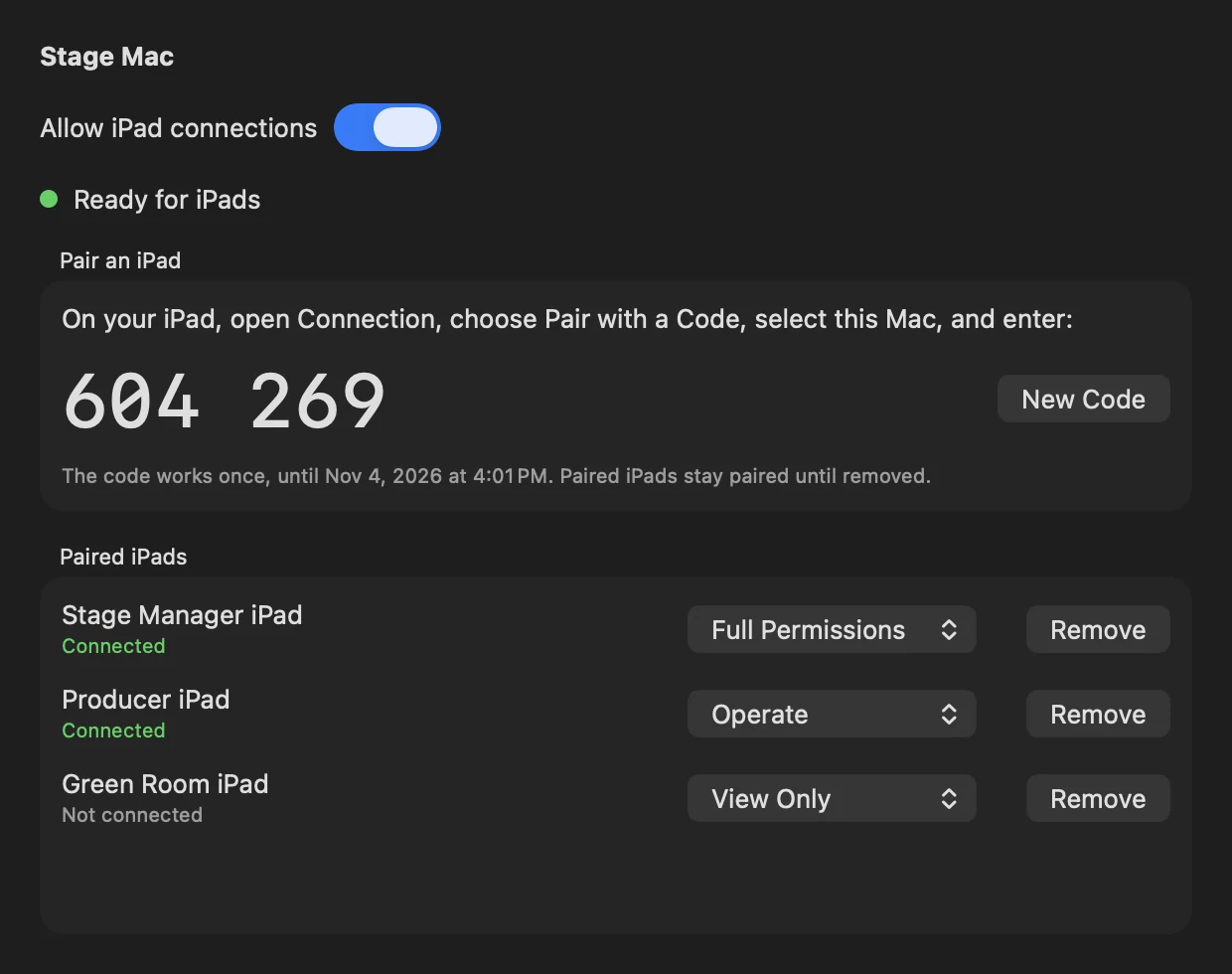
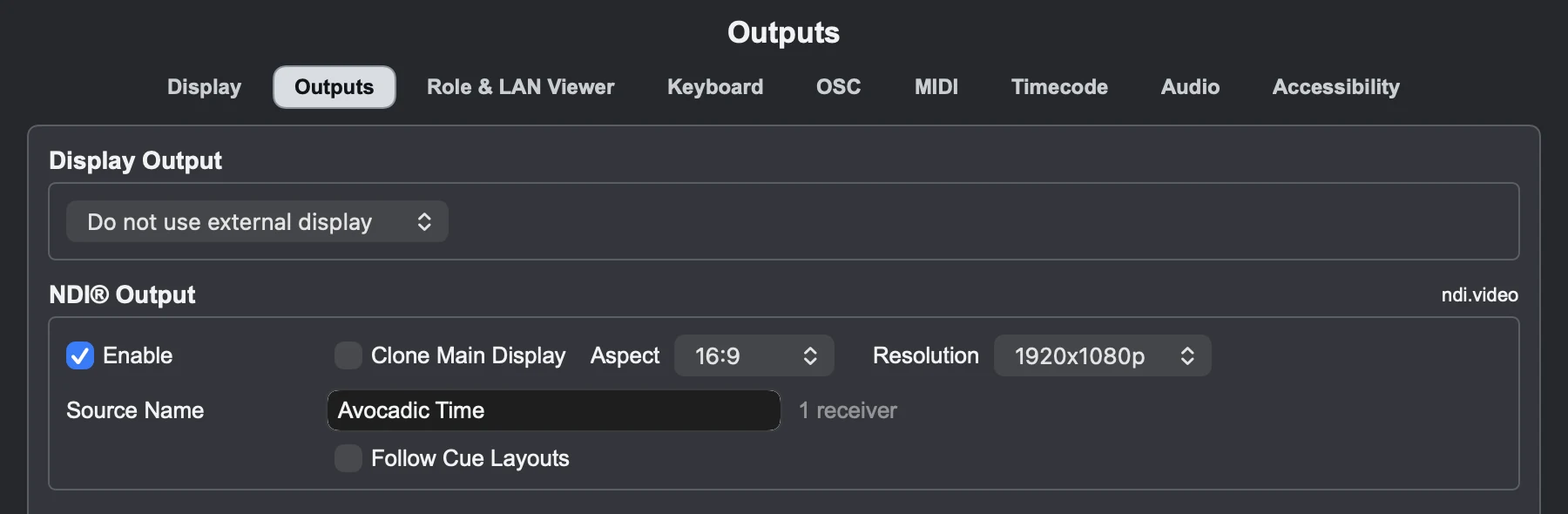
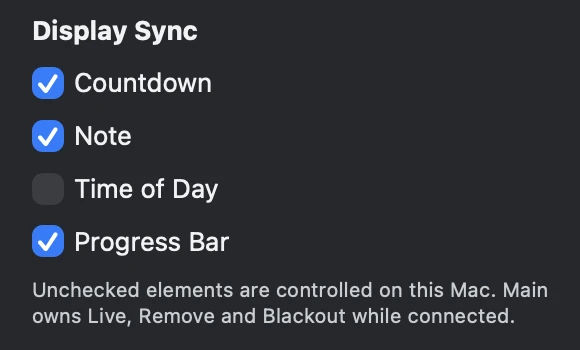
Avocadic Time on your show network.
Avocadic Time runs entirely on your local network. It needs no internet connection, no cloud account and no server. Every computer, iPad and browser talks directly to the Mac running the show.
Same subnet or routed
- Find Computers finds a Main on the same subnet. Across routers, type the Main's address and port, for example 192.168.1.20:8080, and let both its HTTP and encrypted ports through. Only private IPv4 addresses are accepted.
- iPads find their Mac by Bonjour on the same subnet. Elsewhere, type the address shown on the Mac.
- LAN Viewer: type the full address and port in any browser on the network.
- NDI® receivers find the source by Bonjour on the same subnet.
Wired or Wi-Fi
- Wire the Main, the Backup, Display computers and NDI®. NDI needs a gigabit network.
- Wi-Fi is fine for Remotes, iPads and LAN Viewer browsers. Use a private show network, never guest Wi-Fi.
Turning the network off
The Network features switch at the top of Settings > Role & LAN Viewer turns off the LAN Viewer, other computers and Companion, the iPad, OSC, NDI® and discovery. The Mac opens no ports and broadcasts nothing. MIDI and timecode keep working, and the setting is remembered between launches.

What's encrypted
- Other Macs, Companion and iPads connect over TLS. The Remote Password is never sent: each side proves it knows it, in an exchange tied to the Mac's certificate, so a computer pretending to be the Main can't sign in or listen in. Six-digit pairing does the same for each iPad.
- Other computers first ask the HTTP port where the encrypted port is, then use that. Companion on the same Mac stays on the HTTP port; nothing leaves that Mac.
- The LAN Viewer, OSC and NDI® aren't encrypted. OSC can't be: use Settings > OSC > Accept from to take it only from your console's address, and keep the show network private.
- Passwords are made on first launch, stored in the macOS login Keychain, and never ship with the app. Five wrong tries in a minute block that address for a minute.
Same build everywhere
Put the same build on every Mac in a show, including the Backup.
Get help.
support@avocadictime.com
Tell us what you're running, on which Macs, and what happened.
Email SupportSend a Support Report
Help > Export Support Report saves a report and opens an email with it attached. Nothing is sent until you send the email, and it never includes passwords.
File > Export Show Log saves a timestamped record of the show.